
Early Black Friday

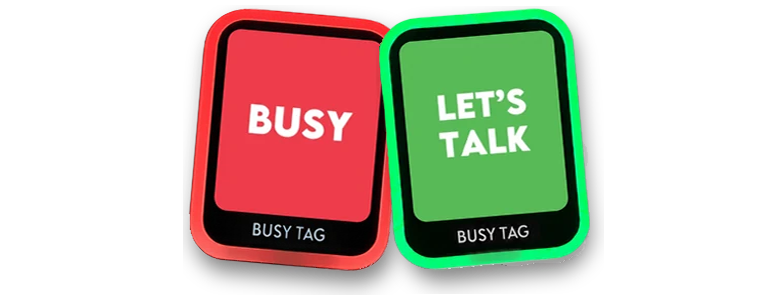
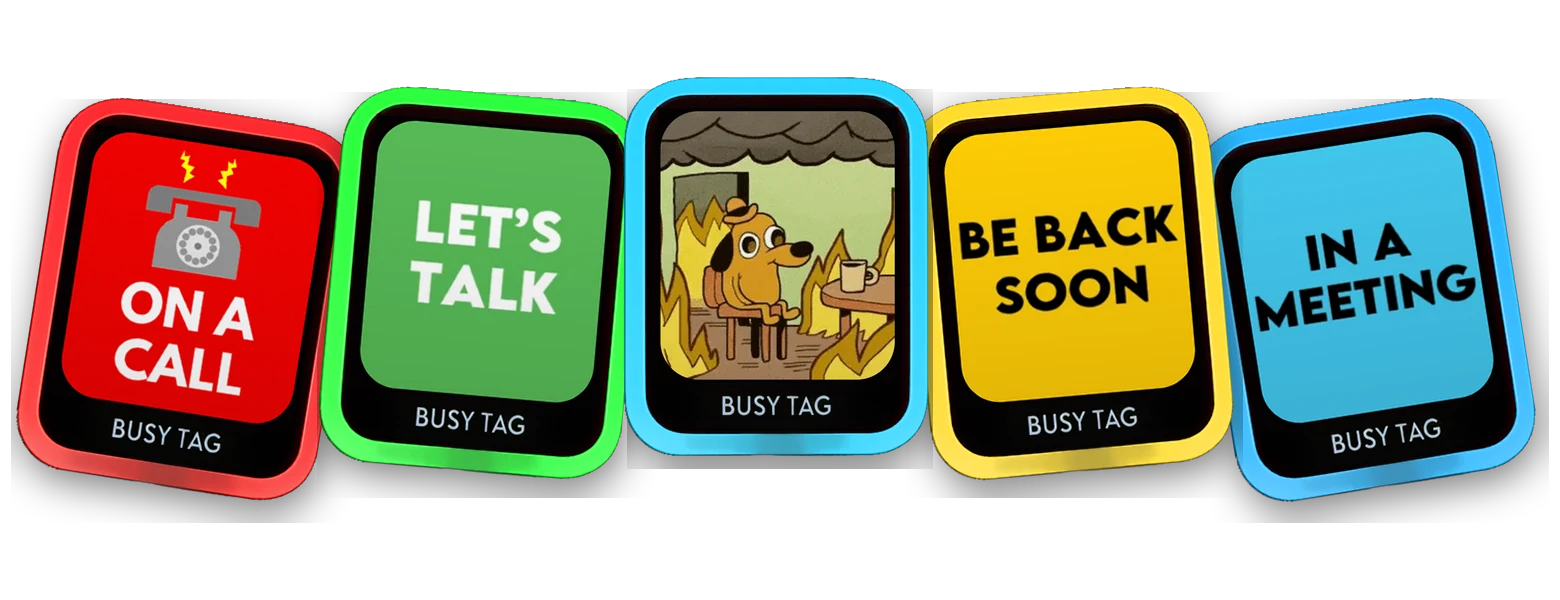
Busy Tag 2 puts your status on a customizable screen: “Do not disturb”, “On a call”, a GIF or your own design. This Black Friday, the more desks you cover, the more you save.
2 devices: save 5%
3–4: save 12%
5+: save 17%
Deal ends in
Free worldwide shipping
30-day returns
1-year warranty
Add the devices to your cart, then enter the code in the coupon field in your cart or at checkout. One code per order.
2 devices
5% off
£ 134.30 £ 127.59 for 2
£ 63.79 each with the code
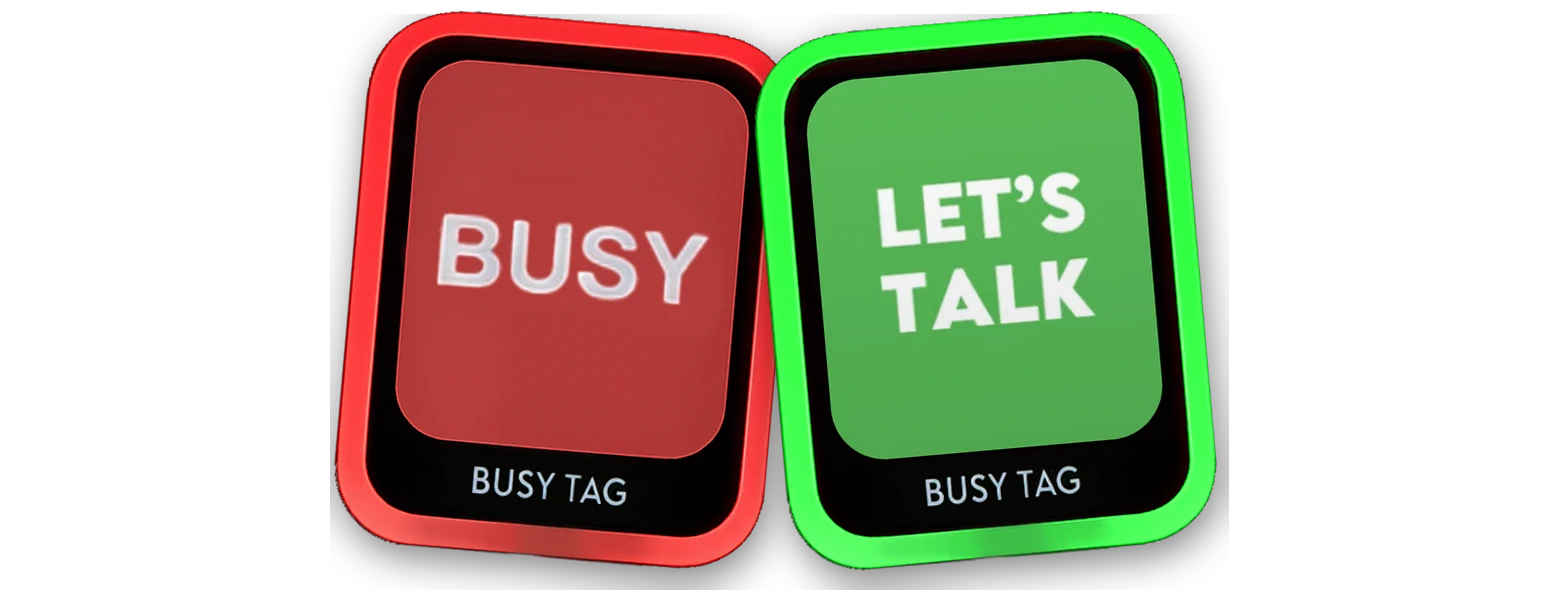
For two desks, his and hers, or you and a friend.
Code at checkout
TEAM2
3–4 devices
12% off
£ 201.45 £ 177.28 for 3
£ 59.09 each with the code
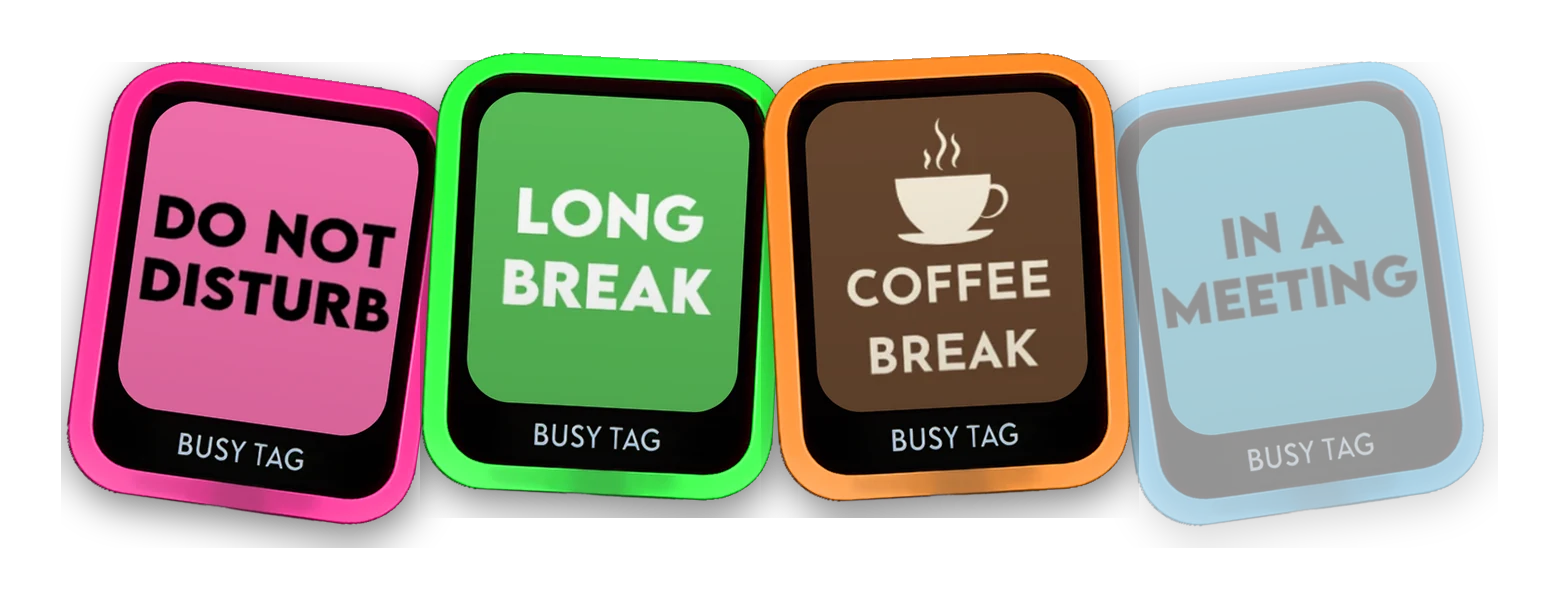
For pilot projects and small teams.
Need 4? Change the quantity in your cart.
Code at checkout
TEAM3
Biggest saving
5+ devices
17% off
£ 335.75 £ 278.67 for 5
£ 55.73 each with the code
For bigger team rollouts.
Code at checkout
TEAM5
Tell us how many you need and we’ll send a quote that beats the 17% off.
Just one? £ 67.15, and it ships free too. ADD 1 TO CART · See the product page
Discounts apply to Busy Tag 2. One code per order. Offer ends November 30.
You’re deep in a hard piece of work and a colleague walks over with a quick question. A busy light on your desk tells them you’re busy and why.
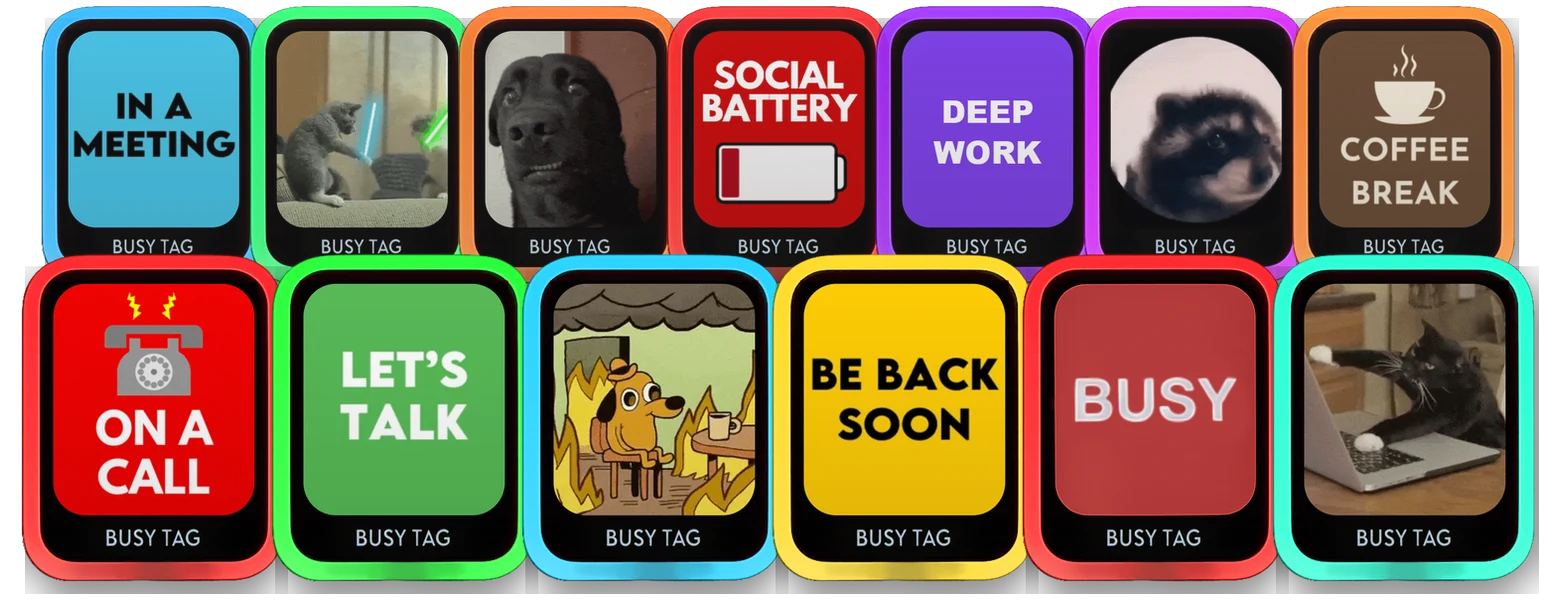
The light shows you're busy. The high-res color screen shows the reason: "On a call", a countdown to your presentation deadline, or a GIF, your own or one from the KLIPY library built into the app.
Busy Tag 2 runs on Wi-Fi. Set your status from the mobile app at your desk, on the train or at home. Plan to work from home? Switch your office Busy Tag to "Working from home" from the couch.
Connect Microsoft Teams or Google Calendar in the desktop app, and your status changes when your meetings start and end. For this, Busy Tag 2 plugs into that computer by USB.
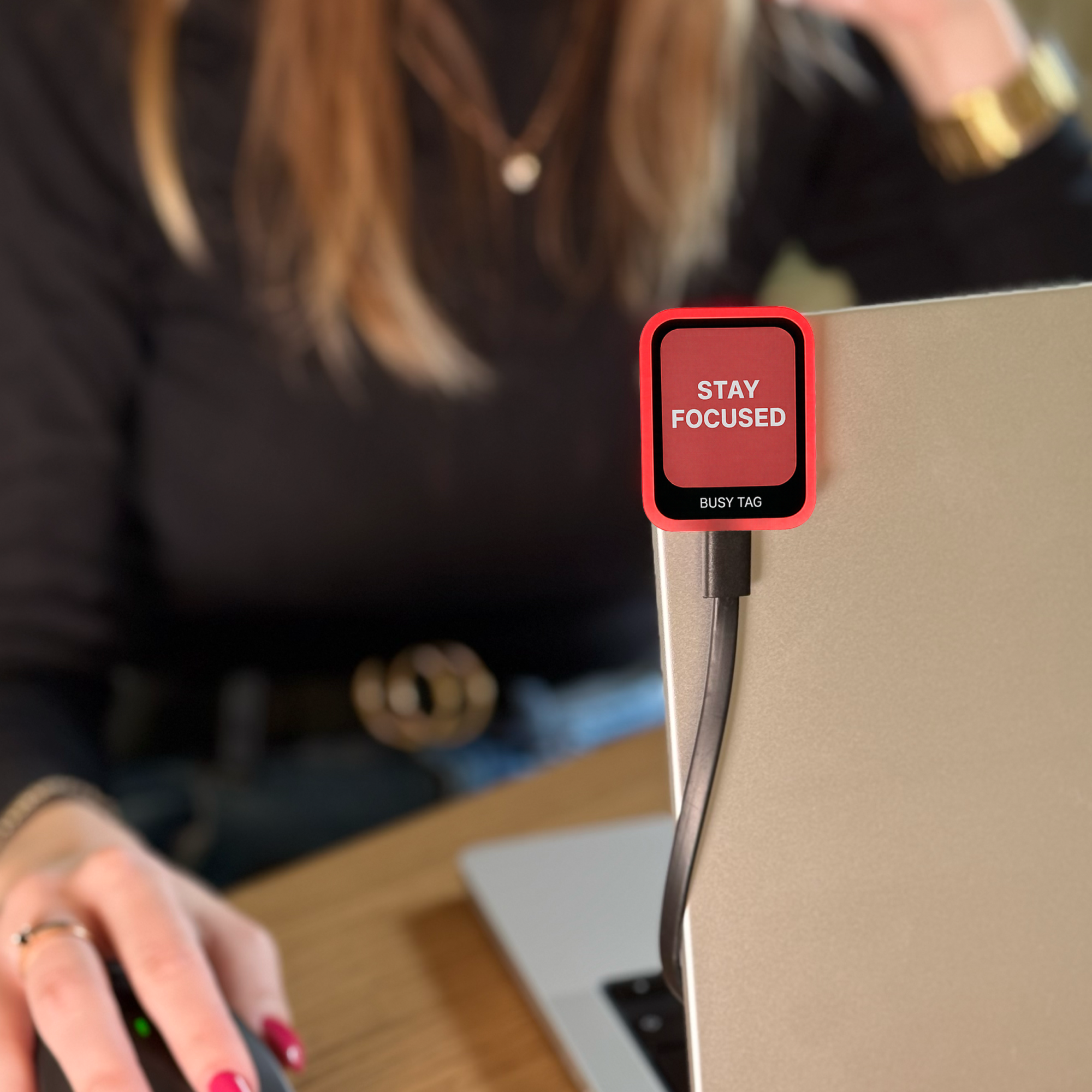
Attach it to your laptop or monitor with the magnet in the box, and power it with the included USB-C cable. Or run it from a power bank or any USB-C charger, and stand it on a desk or outside a private office or booth.
Plenty of busy lights ship with dated, clunky software. The Busy Tag apps for phone and computer look and work like the apps you already use.
Pick a status from the design gallery and send it to your screen.
Make your own screen with text, images and stickers. Add GIFs from the KLIPY library built into the app.
Sync your status with Microsoft Teams, or show Gmail, Google Calendar and Google Tasks on the screen. Runs in the desktop app.
Change your status by hand from your phone or computer, at your desk or from home.
Choose the light color for each status, so people can read it from across the room.
Start a focus session and Busy Tag counts it down for everyone around you.
Windows
macOS
iOS
Android
Find the reason that fits you, then pick the deal that matches it.

Keep one, give one to the coworker or friend who’s on calls all day.
TEAM2 2 devices · save 5%

Two desks, two calls, one home. Everyone can see who’s free.
TEAM2 2 devices · save 5%

One at each desk. Change the office one from home.
TEAM2 2 devices · save 5%

Try it with 3 or 4 people before you roll it out.
TEAM3 3–4 devices · save 12%

Every desk on the team, in one order.
TEAM5 5+ devices · save 17%
15 or more desks? Get a quote that beats 17% off.
QUOTE 15+ devices · beats 17%
01
Install the Busy Tag app on your phone or computer.
02
Plug Busy Tag 2 into any USB-C charger or your computer. The USB-C cable is in the box.
03
Scan the QR code on its screen. It joins your Wi-Fi.
No user accounts. Each person sets up their own device.

★ 4,581+ Busy Tags sold
As seen on









In stock, ships within 48 hours
Simple and straightforward return process
On every Busy Tag 2
Built with care in Europe
| DISPLAY | 1.69″ full-color LCD, 240 × 280 |
|---|---|
| LIGHT | 7 RGB LEDs |
| SIZE | 36 × 46 × 8 mm (1.42 × 1.81 × 0.31″) |
| WEIGHT | 20 g |
| POWER | Any USB-C charger or computer |
| CONNECTIVITY | Wi-Fi (2.4 GHz) and USB-C |
| SETUP | Mobile app (scan the QR code) or desktop app (USB-C) |
| IN THE BOX | Busy Tag 2, USB-C to USB-C data cable, magnet for laptops and monitors |
| INTEGRATIONS | Microsoft Teams, Google Calendar and more through the desktop app. |
Needs a 2.4 GHz Wi-Fi network that you join with a network name and password. Details in the FAQ.

For 15 or more devices, tell us how many desks you’re covering and we’ll send you a quote that beats the 17% off. Each person sets up their own device, and Share Device lets an office manager control them too.
Add the devices to your cart. Then enter the code (TEAM2, TEAM3 or TEAM5) in the coupon field in your cart or at checkout, and select Apply. One code per order.
Yes. The discount is a percentage, so it applies the same in every currency.
We make Busy Tag ourselves and keep it in stock, so your order is handed to the courier within 48 hours on business days, often sooner. Shipping is free worldwide on every order with Busy Tag 2. Need it faster? Express shipping is available at checkout.
Yes. With the mobile app you set your status by hand, from anywhere, and nothing is installed on your work computer. Automatic status from Teams or Google Calendar uses the desktop app, with Busy Tag 2 plugged into the computer by included USB-C to USB-C data cable.
A 2.4 GHz network that you join with a network name and password. Busy Tag 2 doesn’t work with WPA2-Enterprise sign-ins or with networks that use a sign-in page (captive portal). In many offices a guest or IoT network does the job. Without Wi-Fi, you can still run it from the desktop app over included USB-C data cable.
Yes. Each person scans their own device’s QR code in the app, and no user accounts are needed. To give someone else control too, like a teammate or an office manager, use Share Device in the app. It creates a one-time link or QR code, and you keep control of your device.
Microsoft Teams presence and Google Calendar update your status on their own. There are also plugins for Google Tasks, Gmail, Google Drive, Claude Code, weather, clocks, countdowns and more, all in the desktop app. Zoom and Slack don’t have built-in plugins.
Yes. The Busy Tag app supports webhooks. For your own integrations, Busy Tag takes AT commands over USB serial, and a local network API lets you manage files, images and LEDs.
Yes. Request a quote and we’ll invoice you directly.
You can return unused devices in their original packaging within 30 days. Contact our support team first to arrange the return. You pay the return shipping, and your refund arrives within 14 business days. Busy Tag 2 comes with a 2-year warranty for consumers and a 1-year warranty for business purchases.
No. You can use one code per order.
Pick how many desks you’re covering. Enter the code in your cart or at checkout.
Biggest saving
5+ devices
17% off
£ 335.75 £ 278.67 for 5
£ 55.73 each with the code
Code
TEAM5
Free worldwide shipping
Dispatched within 48 hours
30-day returns
1-year warranty
Save up to 17% · Ends Nov 30
No account yet?
Create an AccountWe use cookies on our website to see how you interact with it. By accepting, you agree to our use of such cookies
Manage your cookie preferences below:
Essential cookies enable basic functions and are necessary for the proper function of the website.
Google Tag Manager simplifies the management of marketing tags on your website without code changes.
These cookies are used for managing login functionality on this website.
Statistics cookies collect information anonymously. This information helps us understand how visitors use our website.
Clarity is a web analytics service that tracks and reports website traffic.
Service URL: clarity.microsoft.com (opens in a new window)
SourceBuster is used by WooCommerce for order attribution based on user source.
Marketing cookies are used to follow visitors to websites. The intention is to show ads that are relevant and engaging to the individual user.
You can find more information in our Cookie Policy and Privacy Policy.
Send us a note and we’ll give you an offer right away!
Send us a note and we’ll give you an offer right away!
Send us a note and we’ll give you an offer right away!
Send us a note and we’ll give you an offer right away!
Send us a note and we’ll give you an offer right away!